

Track calories without opening an app at the table.
Counting calories usually means stopping to type into a phone. BiteQ counts them at the utensil, measuring each bite as you eat, with no screen in sight.
Can you track calories without an app?
"Track calories without an app" sounds like a contradiction, since almost every calorie-tracking method available today is an app. But the app itself was never the part doing the measuring, it was always just the interface for typing in a guess about what you ate. The measuring has always been the missing piece, and that's the part BiteQ moves out of the phone and into the utensil.
This matters because the app is usually where tracking habits go to die. It's easy to forget to open, easy to let notifications pile up until they're ignored, easy to lose the thread after a busy week. If the actual measurement depends on that app being open at the right moment, three times a day, every day, the system is fragile by design.
BiteQ's sensors, the load cell, the camera, the motion sensor, live in the handle you're already holding, not in a phone that has to be nearby, unlocked, and actively engaged. The utensil records the meal on its own. The app becomes a place to look at what was recorded, on your schedule, rather than the thing that has to happen for tracking to occur at all.
This distinction also holds up on the kind of days that break most tracking systems: a hectic morning, a meal eaten standing up, a dinner where the phone is deliberately left in another room. None of those change whether the utensil measures the meal, because none of them require a person to open anything for the measurement to happen.
How does BiteQ track calories without an app?
An app can help you understand your data. It doesn't need to be open, or even nearby, for BiteQ to capture it.

Tracking lives in the utensil
The sensors, processor and battery are built into the handle, so calories and macronutrients are recorded independently of any phone.

Feedback without a screen
A discreet vibration motor can nudge your pace in the moment, at the table, with no notification and no app open.

The app is there when you want it
Nutrition breakdowns, behavior trends and the AI advisor live in the app for whenever you choose to look, not as a requirement for tracking to happen.
Who is app-free calorie tracking for?
Not needing an app at the table matters more for some situations than others, and it fits into a broader picture of who BiteQ is built for individuals to use day to day.
01
People who've deleted every calorie-tracking app they've ever installed. Usually within a few weeks, because the daily habit of opening it never stuck, regardless of how good the app itself was.
02
Anyone who eats at a table where a phone doesn't belong. Family dinners, work lunches with colleagues, formal meals, or simply a personal preference to keep the phone away from the table.
03
People who want feedback at the moment it's useful. Mid-meal, rather than a summary read later that's already too late to act on for that specific meal.
04
Anyone managing notification fatigue. One more app competing for attention is often the reason tracking stops, regardless of how good the app itself is.
How does one utensil compare to a three-step app workflow?
At the moment of eating
Calorie-tracking app
BiteQ utensil
Remember to open it
Calorie-tracking appRequired
BiteQ utensilAlready in your hand
Find or search the food
Calorie-tracking appRequired
BiteQ utensilThe camera identifies it
Estimate the portion
Calorie-tracking appRequired
BiteQ utensilThe load sensor weighs it
If you skip a step
Calorie-tracking appNo log for that meal
BiteQ utensilThe meal is still measured
When the habit lapses
Calorie-tracking appMissing data for that day and often the days after
BiteQ utensilData exists; only the reviewing lapsed
Phone needed at the table
Calorie-tracking appYes
BiteQ utensilNo
A typical calorie-tracking app asks for three things at the moment of eating: that you remember to open it, that you find or search for the food, and that you estimate how much of it you're actually eating. Skip any one of the three and the log for that meal doesn't happen. Over weeks, the friction compounds, since a single missed meal often breaks the habit of logging the rest of the day too.
BiteQ removes all three requirements from the moment of eating itself. The utensil doesn't need to be opened, since it's already in your hand. It doesn't need the food searched for, since the camera identifies it. And it doesn't need a portion estimated, since the load sensor weighs it. The app still exists, and it's genuinely useful for reviewing trends and asking the on-demand nutrition advisor a question, but it's no longer the bottleneck standing between you and getting the data at all.
The two methods also fail differently when a habit lapses. When a calorie-counting app's daily routine lapses, the data for that day, and often the days after it, simply doesn't exist. When BiteQ isn't checked for a few days, the meals were still measured; the only gap is in when someone got around to looking at them.
What does using BiteQ look like day to day?
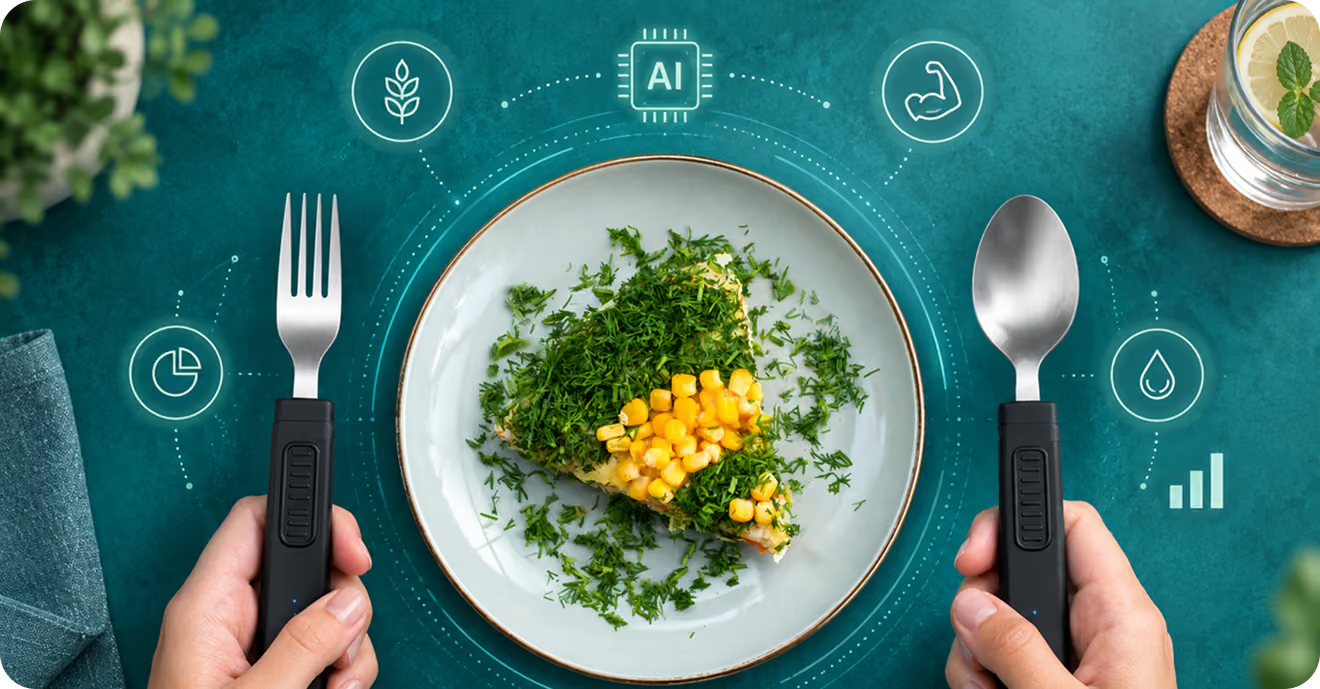
In practice, using BiteQ without opening the app looks almost exactly like eating normally: pick up the utensil, eat the meal, put it down. The load sensor, camera and motion sensor do their work in the background, without a step that has to be remembered before, during, or after the meal.
The app becomes something you open on your own schedule, not the meal's schedule. Some people check it once a day, others less often, and some mainly use it to ask the on-demand nutrition advisor a specific question. Because the data was already captured at the table, there's no catching up to do and no gap in the log from the days it wasn't opened.
The one moment BiteQ does ask for attention is a charge, since the utensil needs the pogo-pin dock periodically, similar to the routine of charging any other device overnight rather than something that interrupts a meal.
Over a longer stretch, this also changes what the data looks like when you do check it. Instead of a partial week with a few logged meals and several gaps, the history in the app reflects every meal eaten with the utensil, which makes trends more trustworthy simply because there's nothing missing from the record to explain away.
Questions people usually ask
Frequently asked questions about tracking calories without an app
Can BiteQ track calories with the phone in another room?
What is the app actually for, if not tracking?
Do I have to keep Bluetooth on for tracking to work?
Is this more convenient than a calorie-counting app?
If I never open the app, does tracking still happen?
Can I get feedback during the meal without looking at my phone?
Do I need my phone with me for BiteQ to work at all?
Is there a version of BiteQ that skips the app completely?