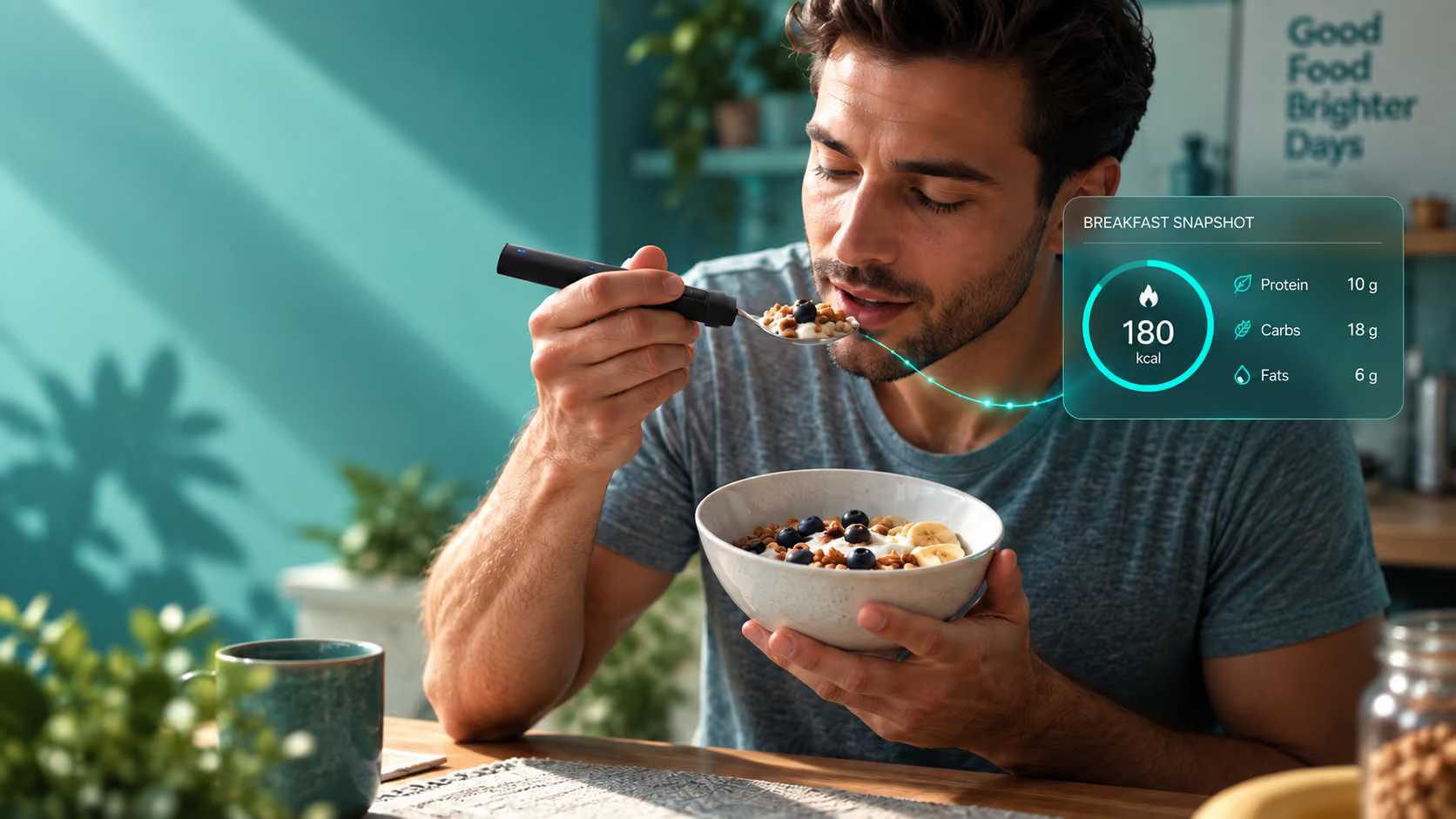

Automatic food tracking that happens while you eat.
BiteQ is a smart spoon and fork that tracks food automatically: a camera identifies the food, quantitation and the data syncs on its own.
Why does BiteQ call itself an AI data company?
Nearly everyone who has tried to track what they eat has hit the same wall: the tracking itself becomes the thing you have to remember to do. Open an app, search for a food, guess whether the serving matches what's actually on the plate, log it before you forget, repeat three to six times a day. The habit that's supposed to build awareness ends up competing with the meal for your attention, and awareness usually loses.
The failure point isn't willpower. It's that most nutrition tracking asks you to do two jobs at once: eat the meal, and separately, record the meal. Anything that adds a second job to an activity you already do multiple times a day tends to get dropped the first time life gets busy, and once a log has enough gaps in it, starting over often feels like more effort than it's worth.
Automatic food tracking approaches the problem differently by removing the second job entirely. Instead of asking you to describe the meal afterward, the utensil measures it as it happens: a load sensor weighs each bite, an embedded camera identifies the food, and a motion sensor records how you ate it. None of that requires you to stop, type, or remember anything once the meal is over, which is the exact point where most tracking habits break down.
This is also why automatic tracking tends to hold up across the circumstances that would break a manual system: a rushed lunch, a meal eaten while working, a dinner where conversation is the priority rather than data entry. None of these change how the sensors work, because none of them require anyone to remember to log anything in the first place.
How does automatic food tracking work?
Automatic tracking means the utensil does the recording, not you. Here's what's actually happening on each bite.

Weighs the bite, not the guess
A load sensor measures the actual weight of food carried on each bite as it leaves the plate, so the portion figure comes from what you ate, not what was served.

Identifies what you're eating
An embedded camera draws on a growing library of plated and bar-coded food items, so the food doesn't need to be typed in or looked up.

Syncs without touching a phone
Meals sync to the companion app over Bluetooth LE automatically. The food journal fills itself in while you're still at the table.
Who is automatic food tracking for?
Automatic food tracking tends to matter most in a few specific situations, more than as a general upgrade over any app. See a fuller breakdown of who BiteQ is built for individuals versus for clinical and workplace settings.
01
People who've tried food-logging apps before, more than once, and stopped. The technology usually isn't the problem, the daily logging step is. Automatic tracking removes that step rather than making it faster.
02
Anyone managing a health goal on a schedule with no room for a logging ritual after every meal. Whether that's a demanding job, caregiving, or just a full day, tracking that requires a five-minute stop after each meal tends not to survive contact with a busy week.
03
Parents who want visibility into what and how a child eats. Without turning every meal into something the child, or the parent, has to sit down and document.
04
Anyone who eats a meaningful share of meals away from a kitchen. At a desk, in a car, at a restaurant, or on the road, where a scale and a food label usually aren't within reach.
How do automatic sensors compare to photo and barcode apps?
At the moment of eating
Photo-recognition app
Barcode-scanning app
BiteQ sensors
Action required
Photo-recognition appPhotograph the plate before eating
Barcode-scanning appFind and scan a barcode
Scan the food or barcode
Works on home-cooked or restaurant meals
Photo-recognition appEstimated from the image
Barcode-scanning appNo barcode to scan
BiteQ sensorsYes
Portion figure
Photo-recognition appEstimated from a photo of the served plate
Barcode-scanning appTaken from the package label
BiteQ sensorsWeighed per bite as it leaves the plate
Measures what was actually eaten
Photo-recognition appNo; measures what was served
Barcode-scanning appNo; measures what was packaged
BiteQ sensorsYes
Depends on remembering to open an app
Photo-recognition appYes
Barcode-scanning appYes
BiteQ sensorsNo
Most tracking apps that claim to remove the typing step still ask for a manual action at the moment of eating. Photo-recognition apps ask you to photograph the plate before the meal, which estimates the food from the image and still has to guess portion size from a photo. Barcode-scanning apps work well for packaged food, but a plated, home-cooked, or restaurant meal usually has no barcode to scan at all. Both still require you to remember to open the app before the first bite.
BiteQ's sensors work on the bite, not the plate. The load sensor measures the weight of food carried on each individual bite as it leaves the plate, so the portion figure reflects the amount actually eaten, not the amount that was served or a portion size estimated from a photo taken beforehand. That distinction, served versus eaten, is one that photo and barcode-based tracking generally can't measure, because neither method observes the food after it's served.
How do you make automatic tracking part of your routine?
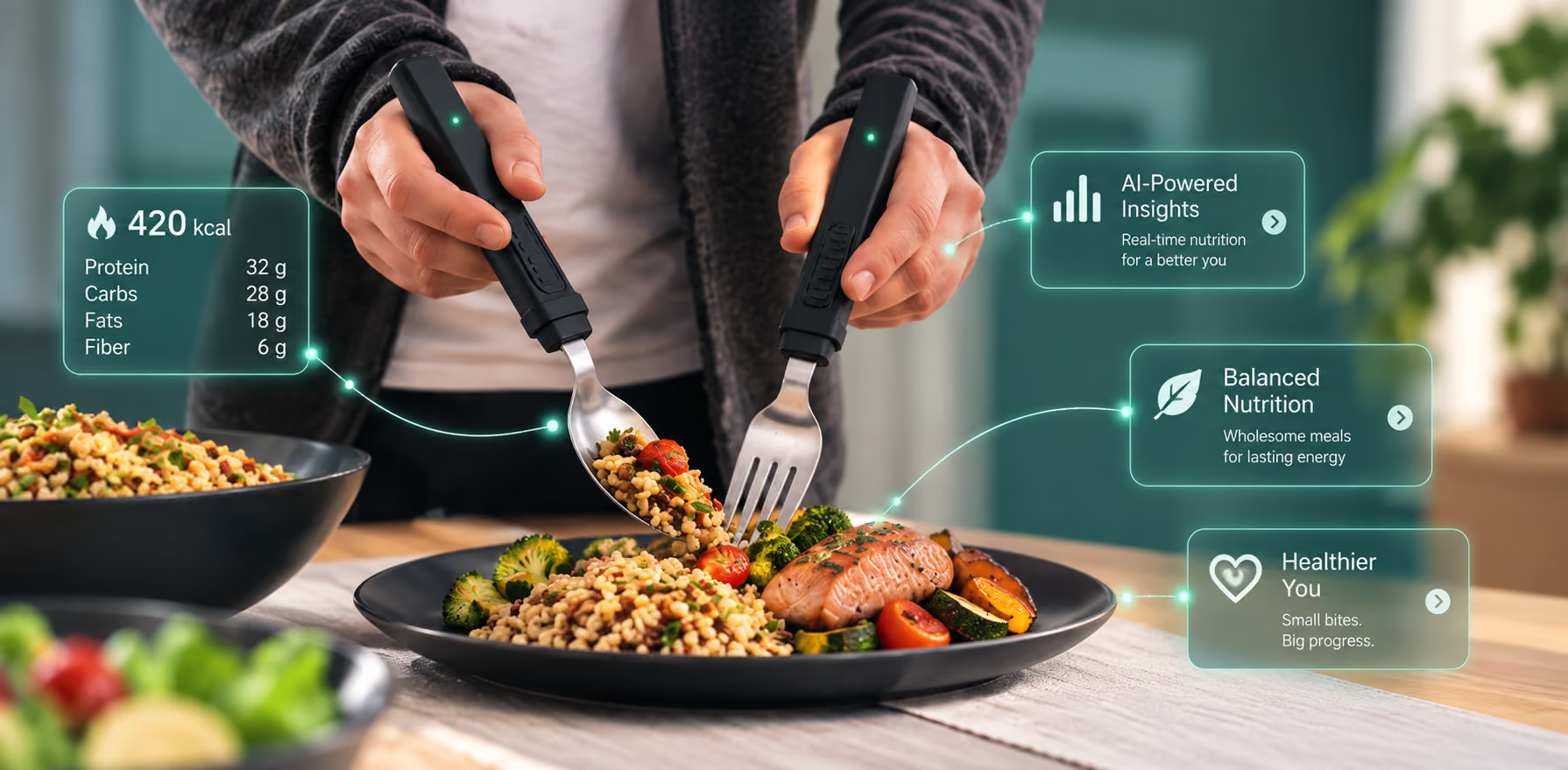
Automatic tracking doesn't require a setup ritual, but a little bit of consistency out of the gate makes the data more useful. The utensil needs to be picked up and used the way you'd use any spoon or fork: there's no specific way it has to be held for the sensors to register the meal correctly.
The biggest practical difference from manual tracking shows up after a week or two, once there's enough data for the app's behavior trends to mean something. A single tracked meal is a data point; a week of tracked meals starts to show whether a fast pace or a large bite size is a one-off or a pattern, which is the kind of insight recall-based logging rarely produces, since most people can't reconstruct a week of meals from memory with any real precision.
Because the sensors and the battery live in the handle rather than the head, day-to-day care is straightforward: wipe or rinse the utensil by hand after a meal, dock it to charge, and reach for it the next time you sit down to eat, the same way you would any other spoon or fork.
Questions people usually ask
Frequently asked questions about automatic food tracking
Does automatic food tracking really require no manual input?
How does BiteQ know what food I'm eating?
Is automatic tracking as accurate as manual logging?
Do I need to open an app for the tracking to happen?
Does automatic tracking work for shared or family-style meals?
Is automatic food tracking the same thing as calorie counting?
What happens if BiteQ's camera doesn't recognize a specific food?
Does automatic tracking still work if I eat quickly or get distracted?